|
Shortcodes Box: This option will enable the Shortcodes Box. This button will be added to row four of the visual editor. Usage: Placing a check in the box will enable the button in your visual editor. Unchecking the box removes the button from the editor. This option places a dropdown list in the visual editor of ALL shortcodes available in your theme. Not only does it list all your shortcodes, but you can also highlight text and click the shortcode you would like to apply. The button will then "wrap" your highlighted text with the selected shortcode. This feature is still in very early development... so I welcome and encourage any constructive feedback. 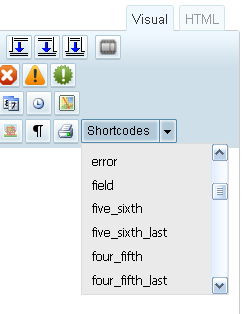 The Shortcodes dropdown in the visual editor. 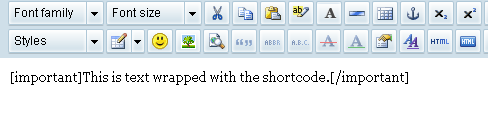 Shows the text being wrapped after clicking the shortcode button. 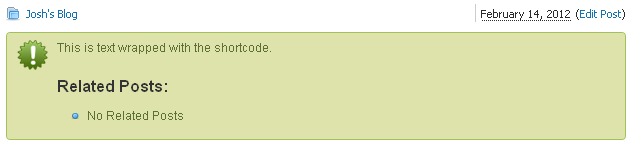 Front-end view of using the Shortcodes button. |